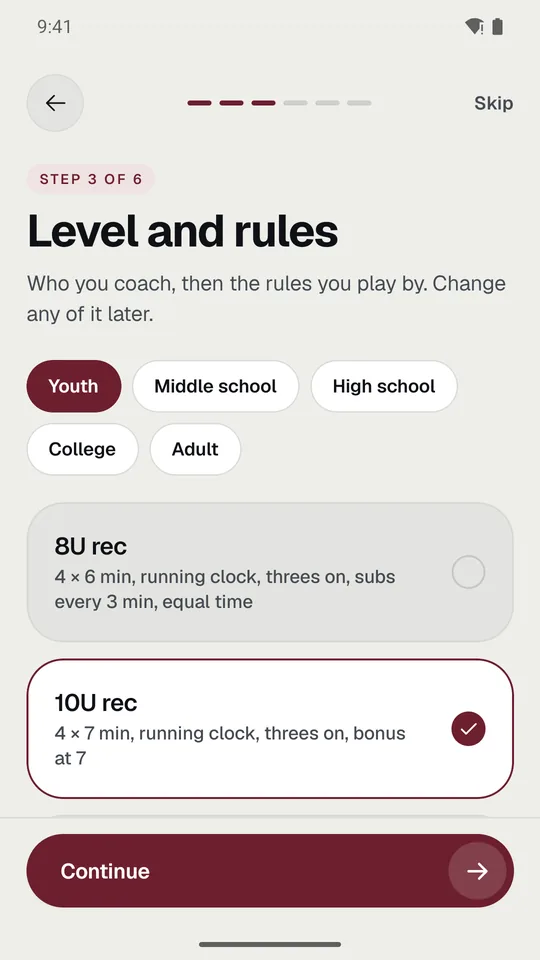
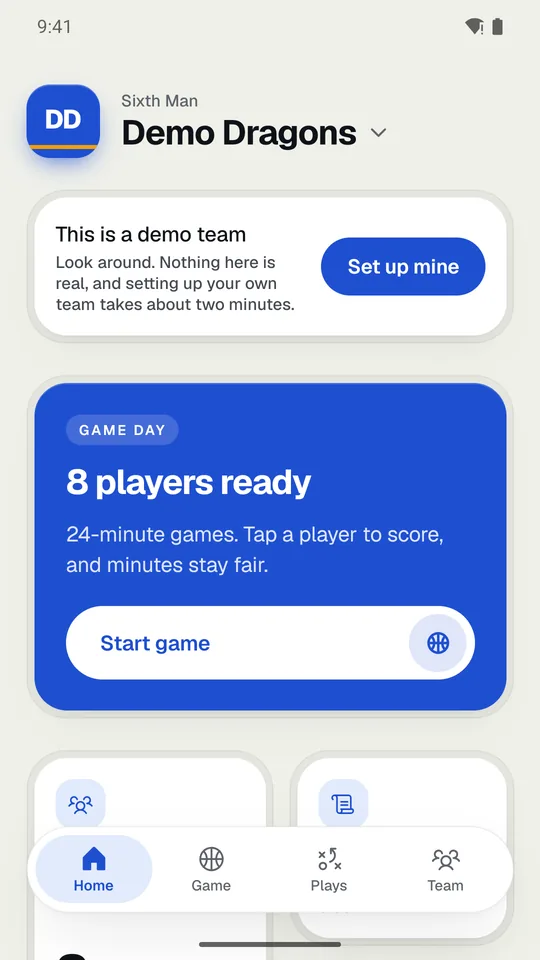
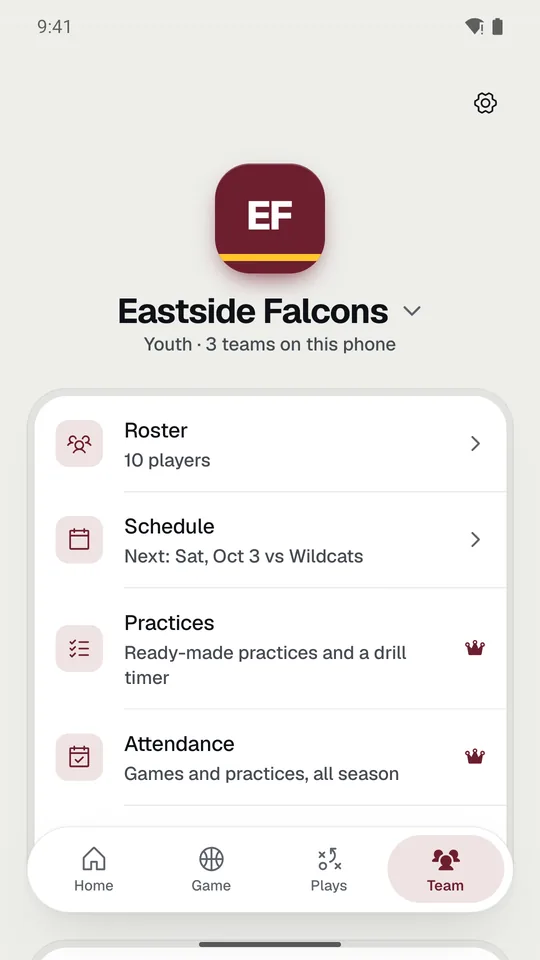
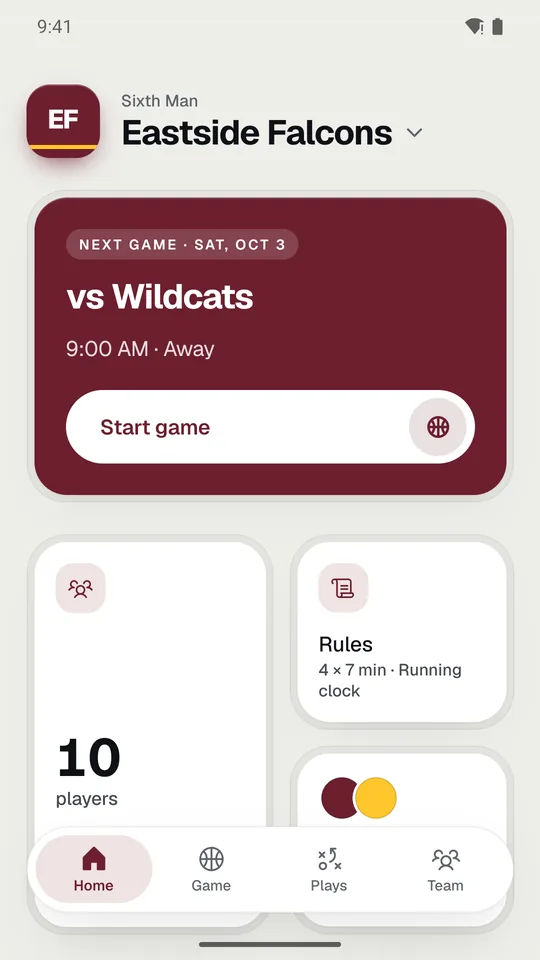
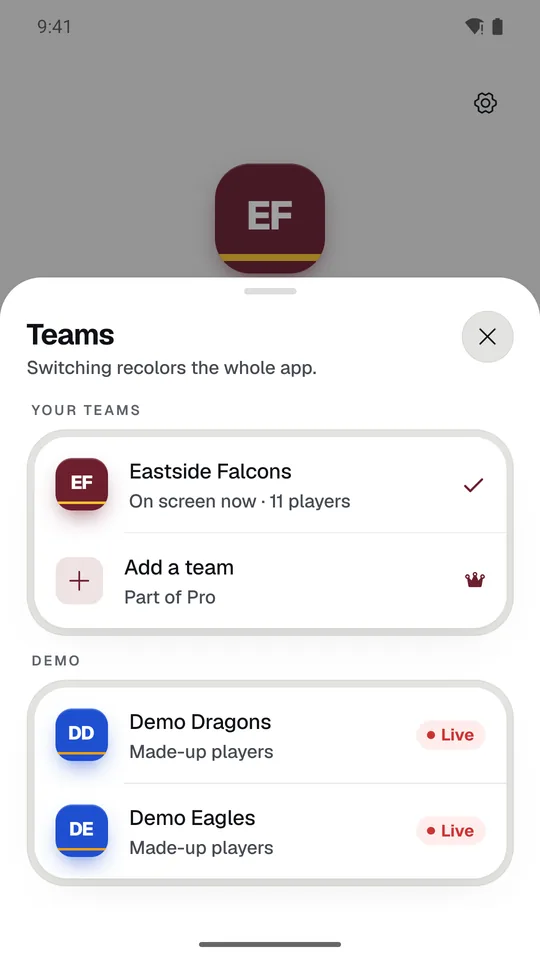
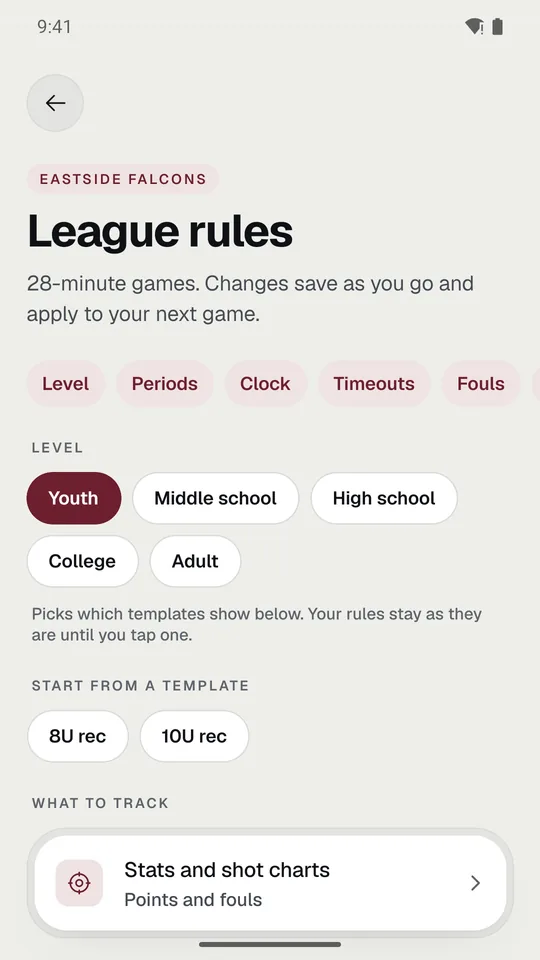
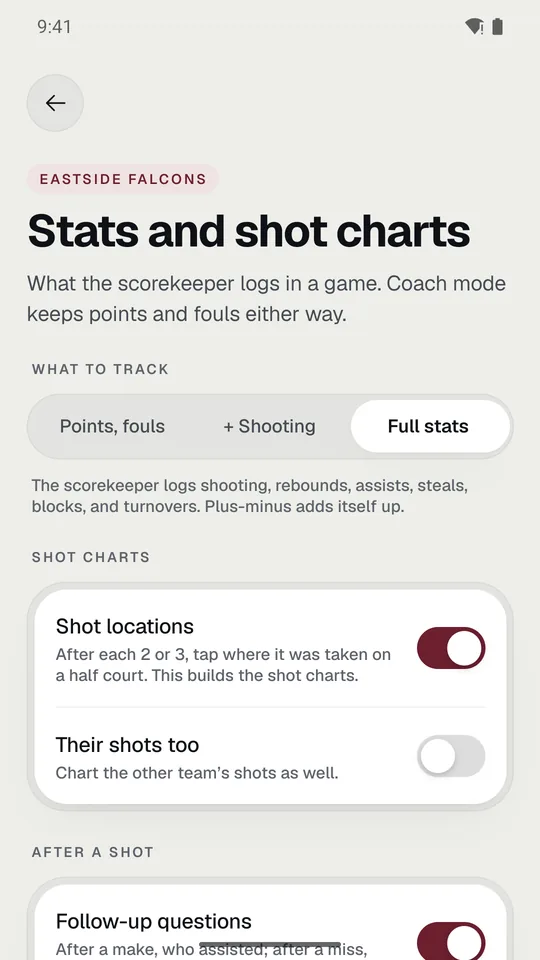
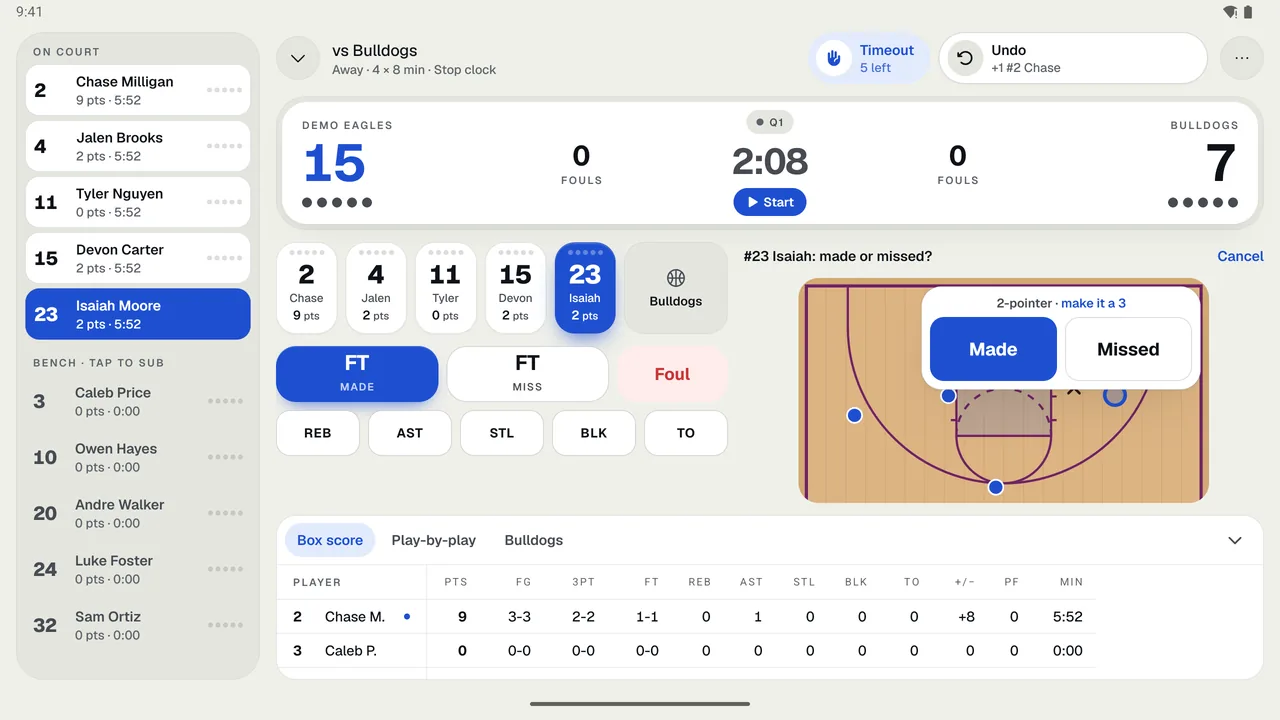
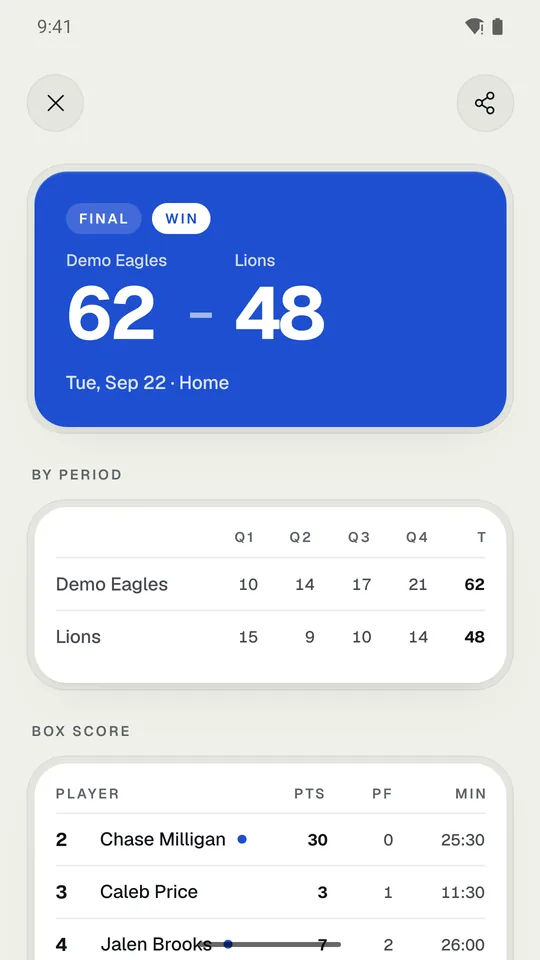
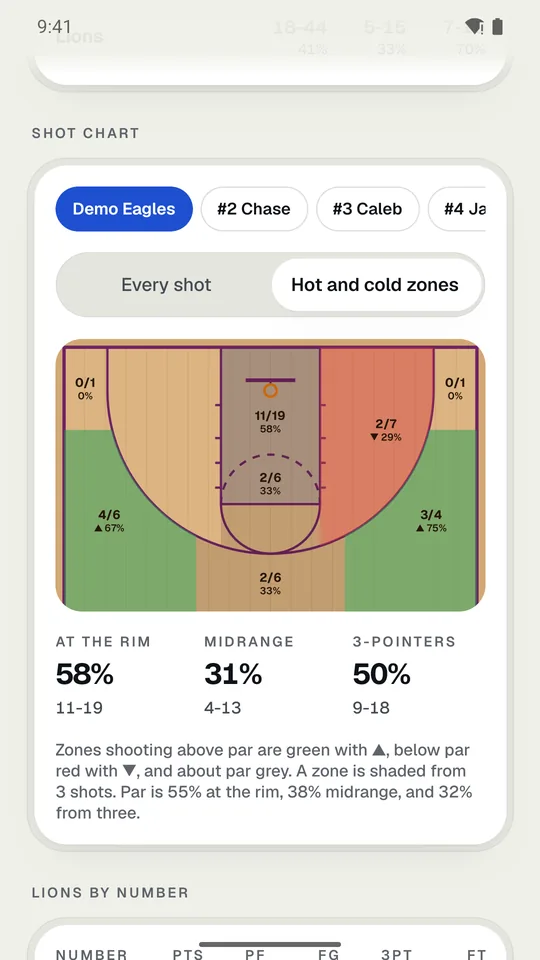
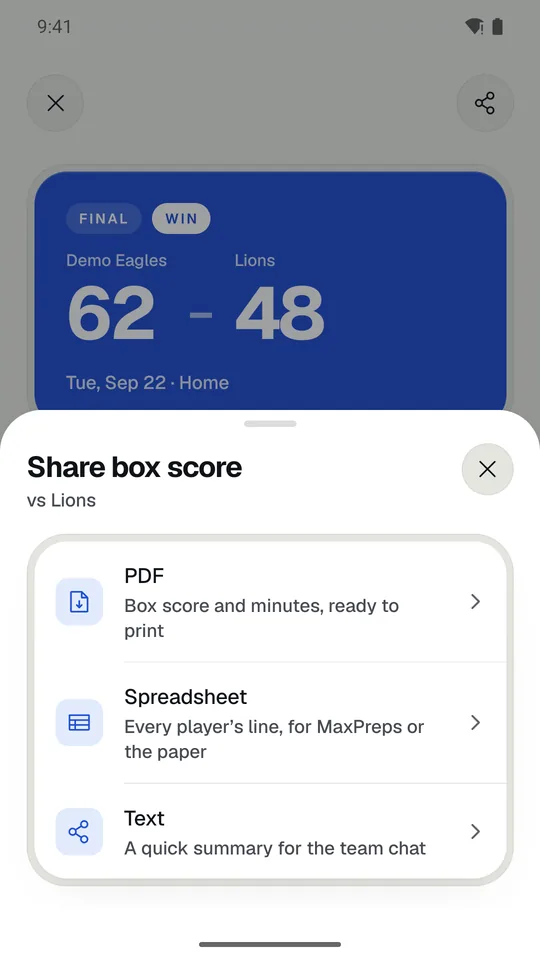
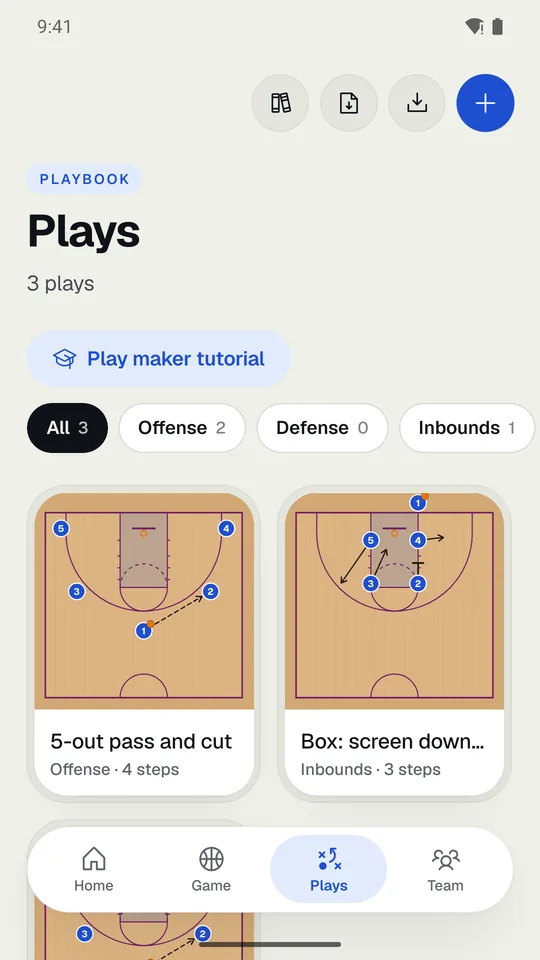
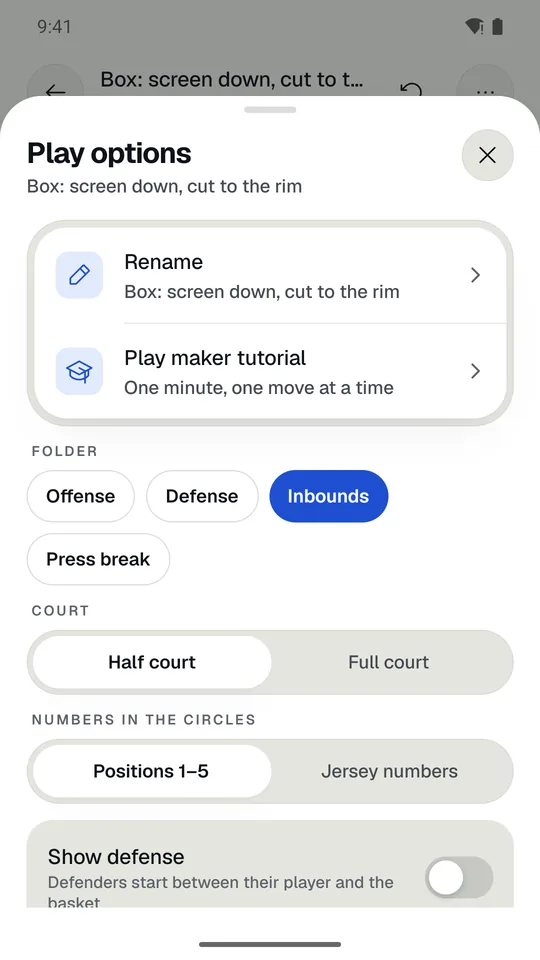
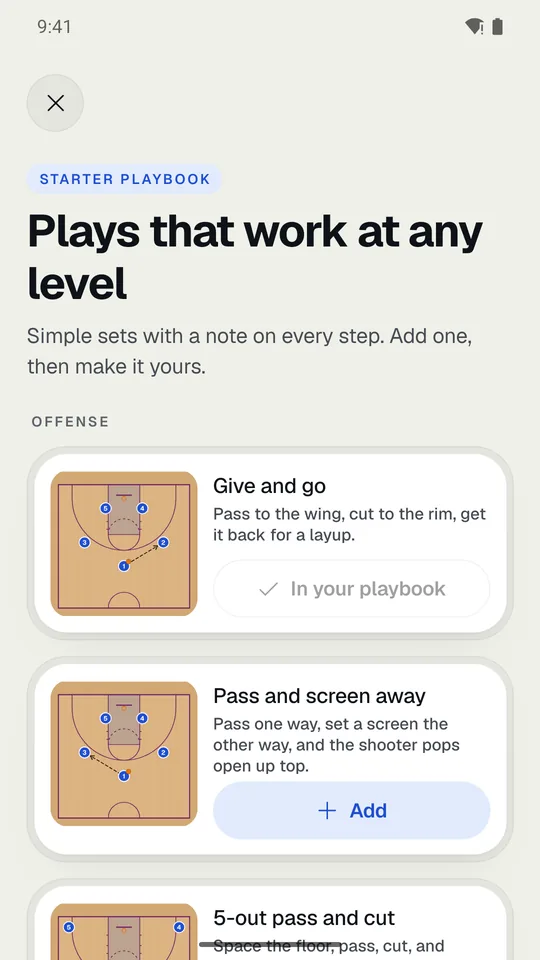
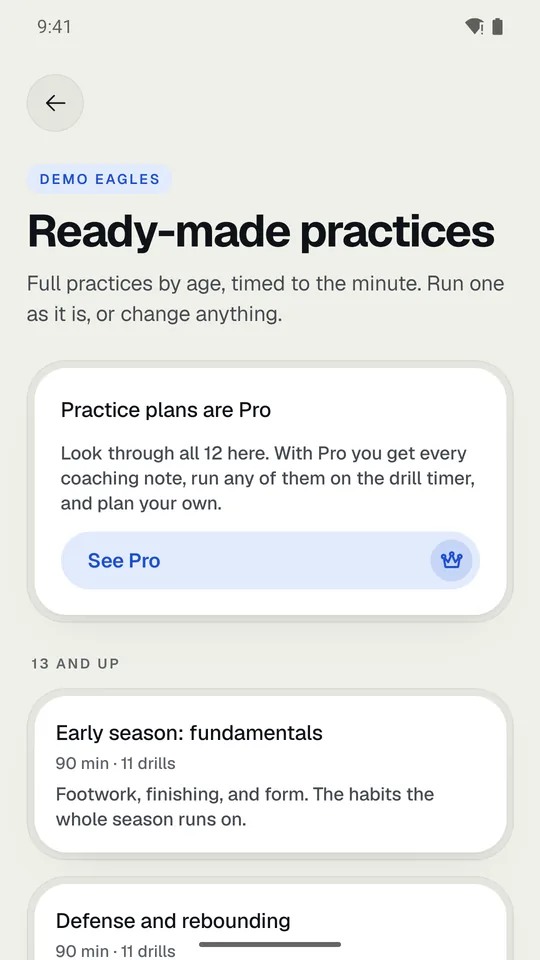
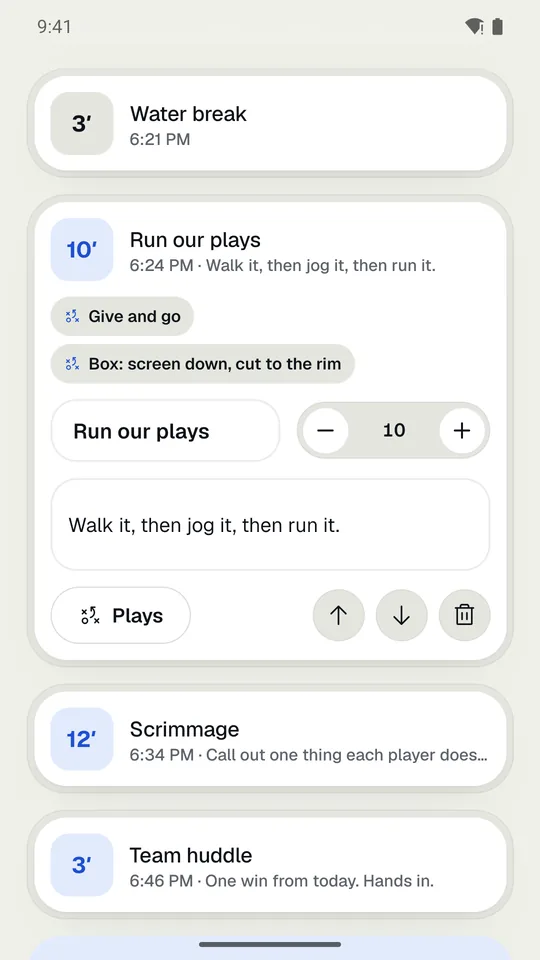
Four tabs run along the bottom. On a tablet held sideways, they run down the left side.
| Tab | What’s there |
|---|
| Home | Your next game, a live game to go back to, and shortcuts to the roster, rules, colors, and playbook. |
|---|
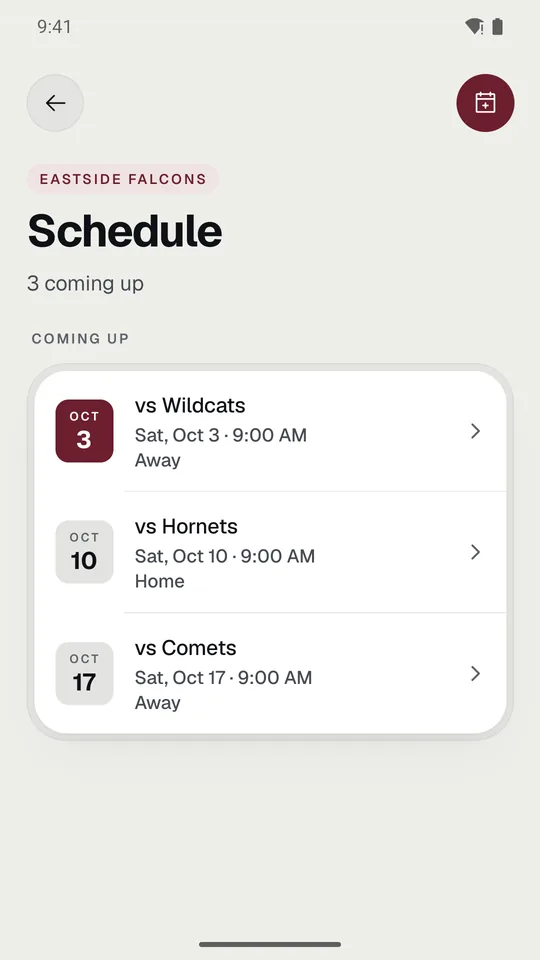
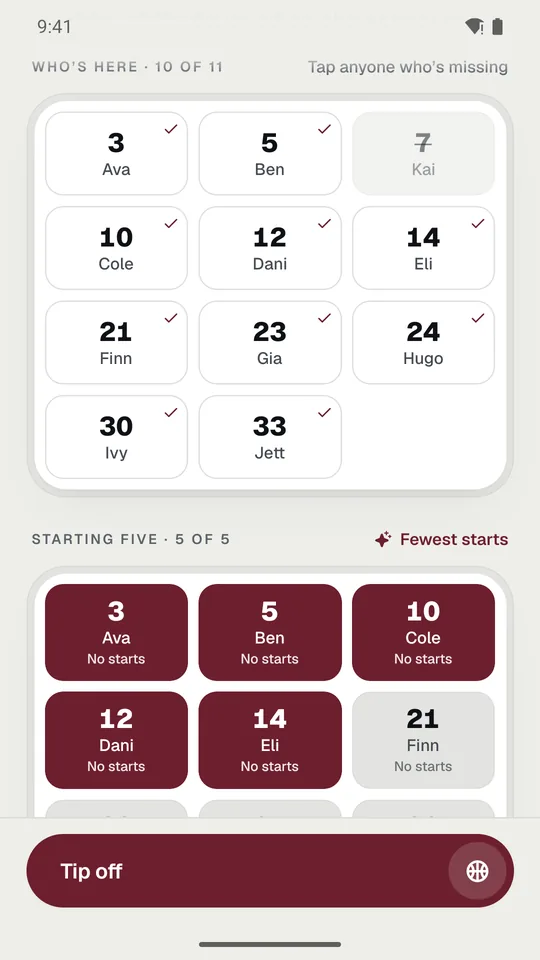
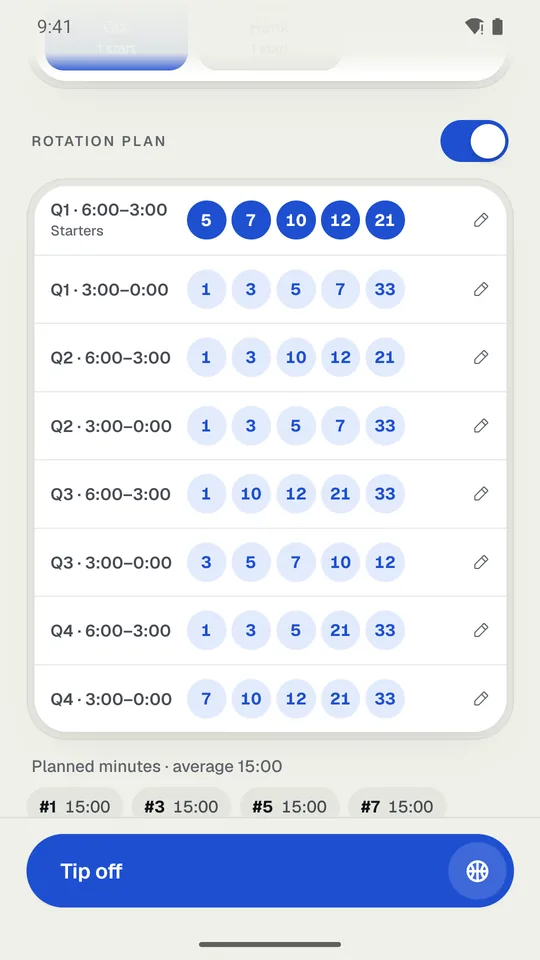
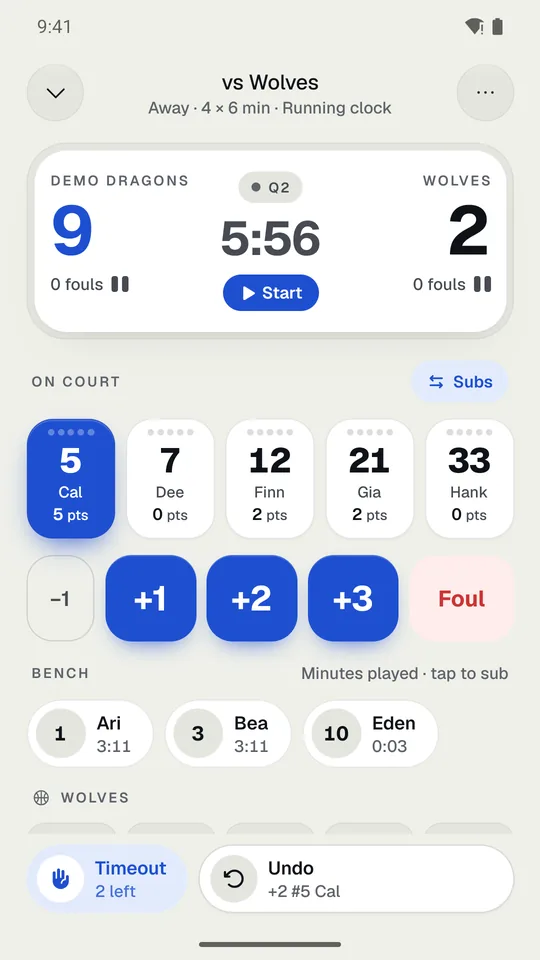
| Game | Start a game, what’s up next on the schedule, and the game log of finished games. |
|---|
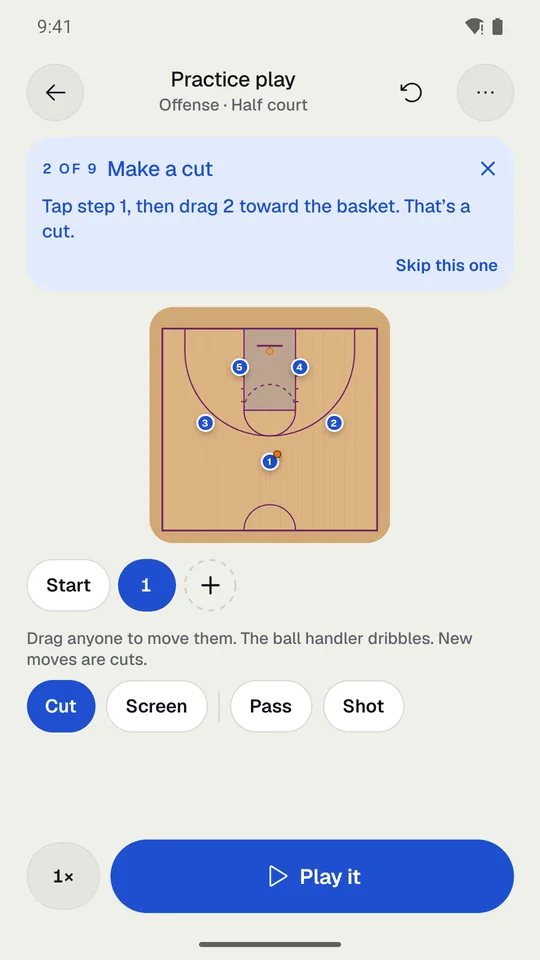
| Plays | Your playbook. |
|---|
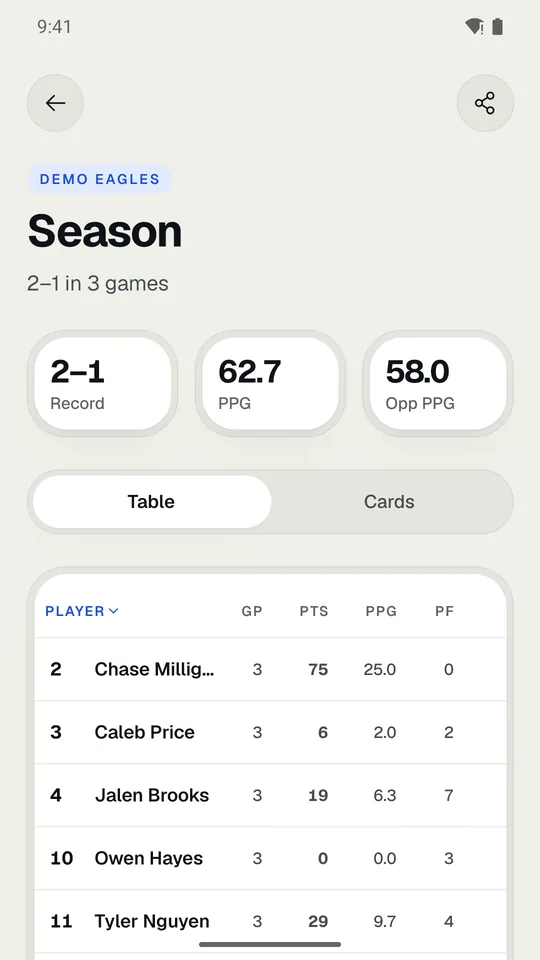
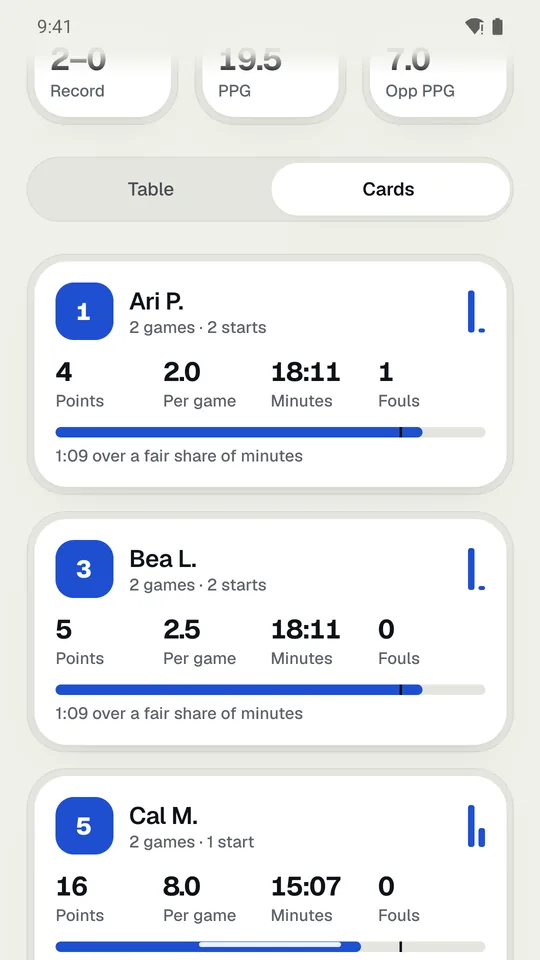
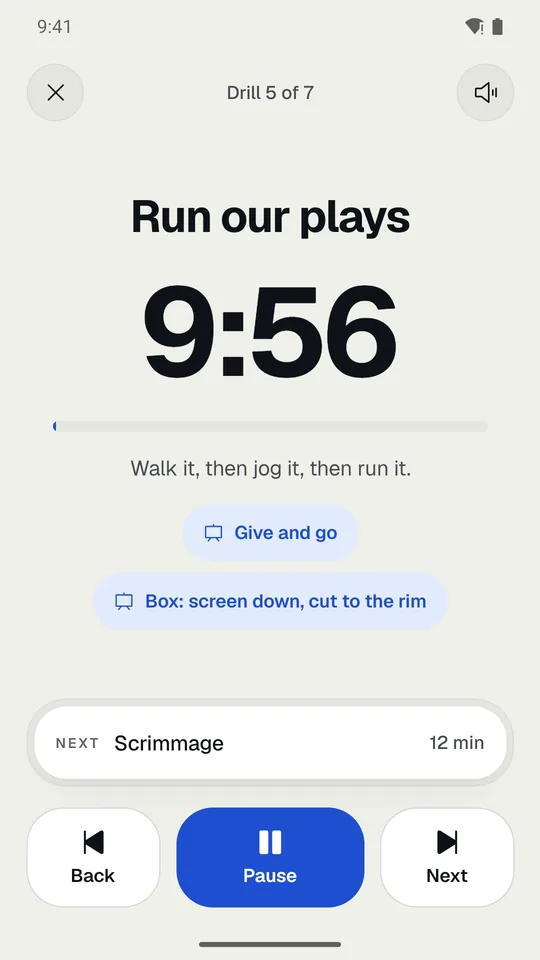
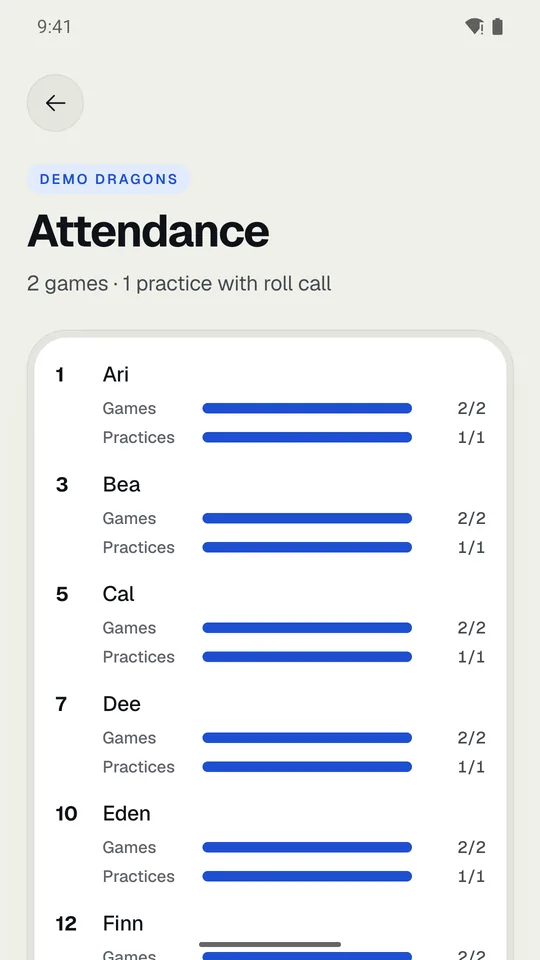
| Team | Roster, Schedule, Practices, Attendance, Season stats, and Settings. |
|---|
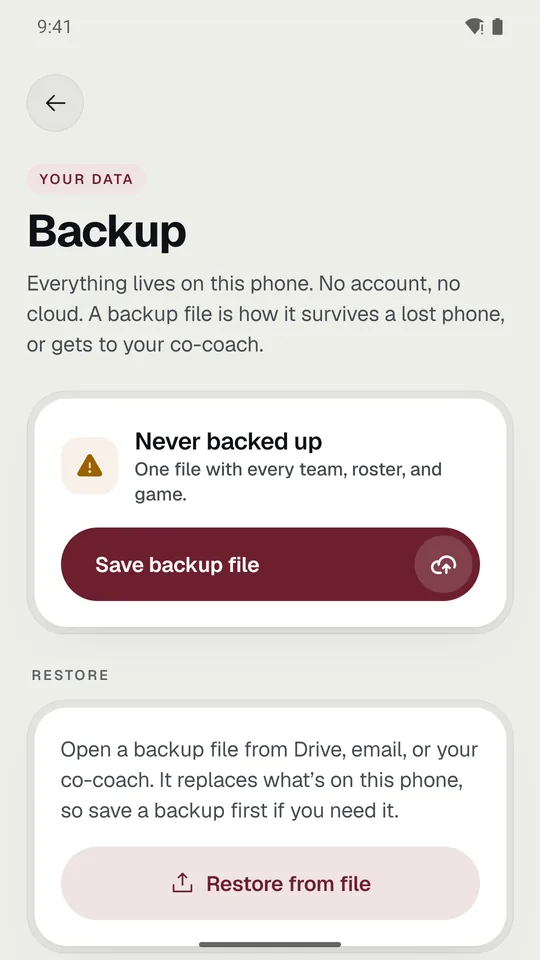
Settings is the gear at the top right of the Team tab (or the Settings row at its bottom). It has everything about how the team and the app are set up: stats, rules, colors, backups, and Pro. In this guide, a path like Team › Settings › League rules means: tap the Team tab, tap the gear, then tap League rules.
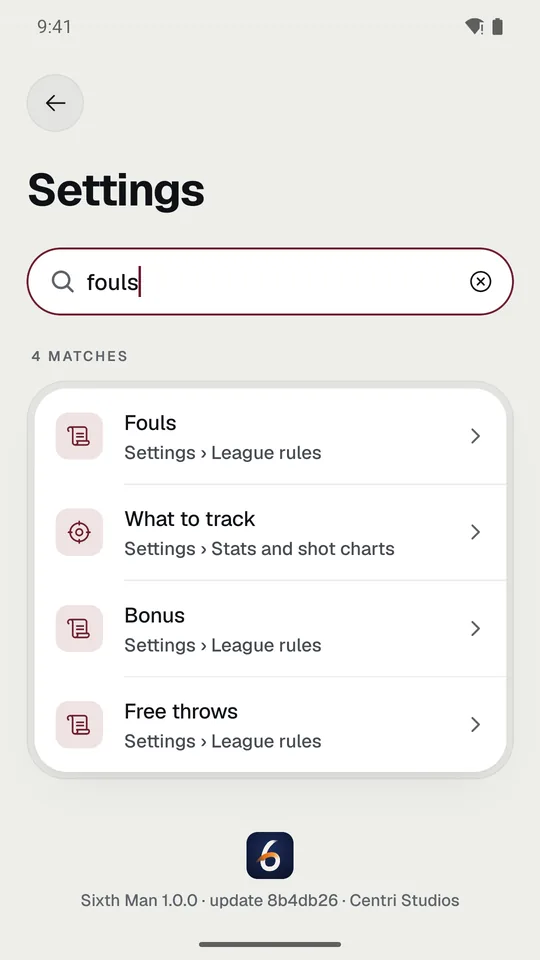
TipSettings has a search box. Type what you’re looking for, like “dark” or “bonus”, and it opens the right screen. See Find a setting.
Related What’s on HomeFind a setting